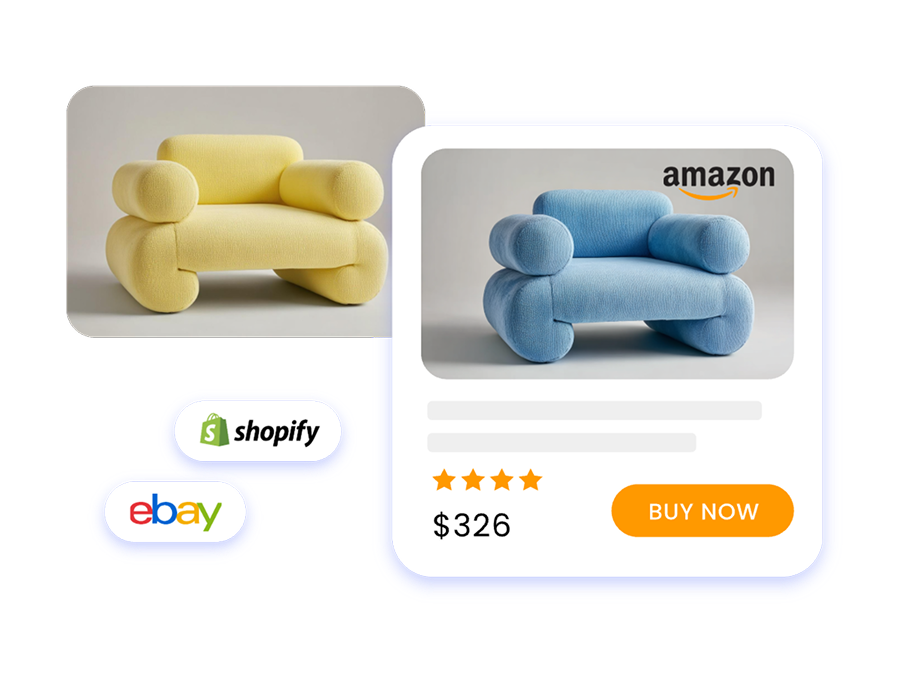
Product Image Enhancement
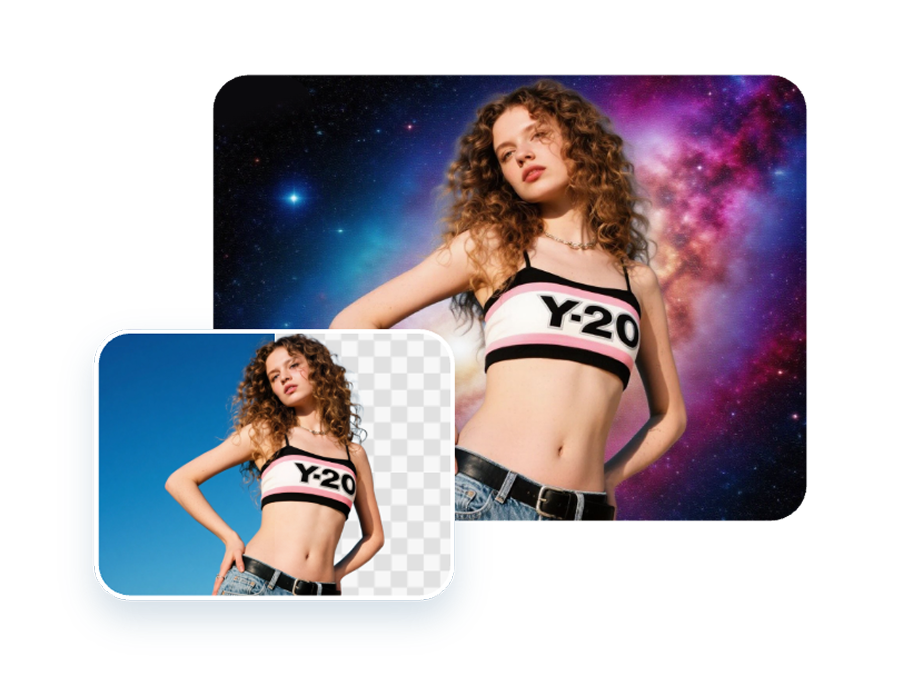
Optimize product photos for e-commerce listings and marketing campaigns.
Your API keys are automatically generated and configured. Simply copy the command below to install the Skill and quickly integrate with your agents. Works with OpenClaw, Claude Code, and more.
npx skills add https://github.com/fotor-ai/fotor-skills.git --skill fotor-skills --copy -y
FOTOR_OPENAPI_KEY="your_access_key_here"
Follow three simple steps to install the skill, verify your setup, and start automating your visual workflows.
The Developer Center is your central hub for managing API keys, tracking usage, and updating developer settings.
(Note: Initial key configuration is fully automated via the install command.)
Built for the most common e-commerce and marketing visual workflows.
Go beyond basic image generation with powerful tools designed to deliver production-ready assets, faster.
Optimize product photos for e-commerce listings and marketing campaigns.
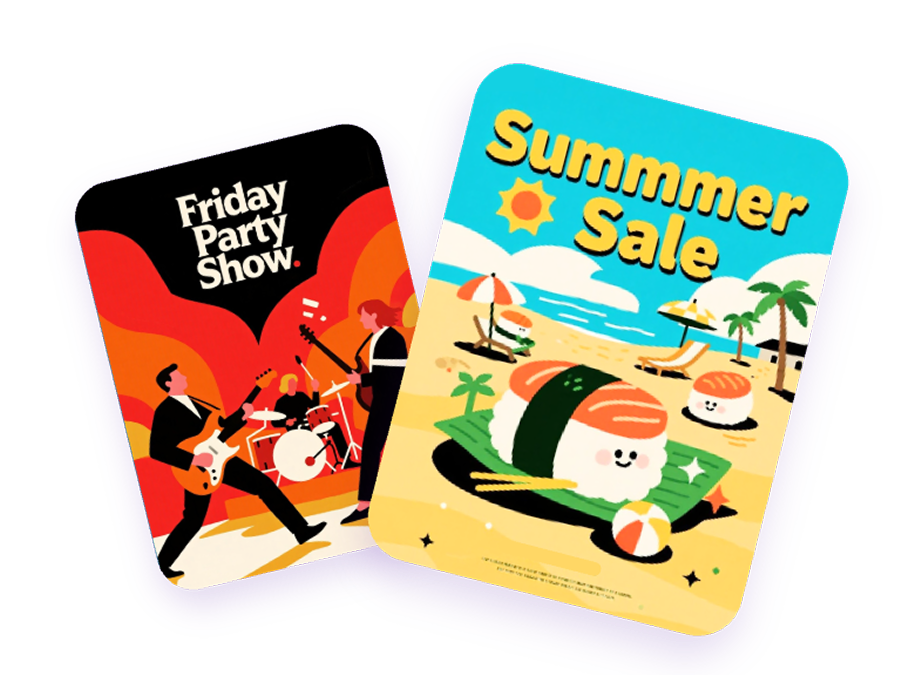
Quickly generate high-quality visual assets for your ad campaigns.
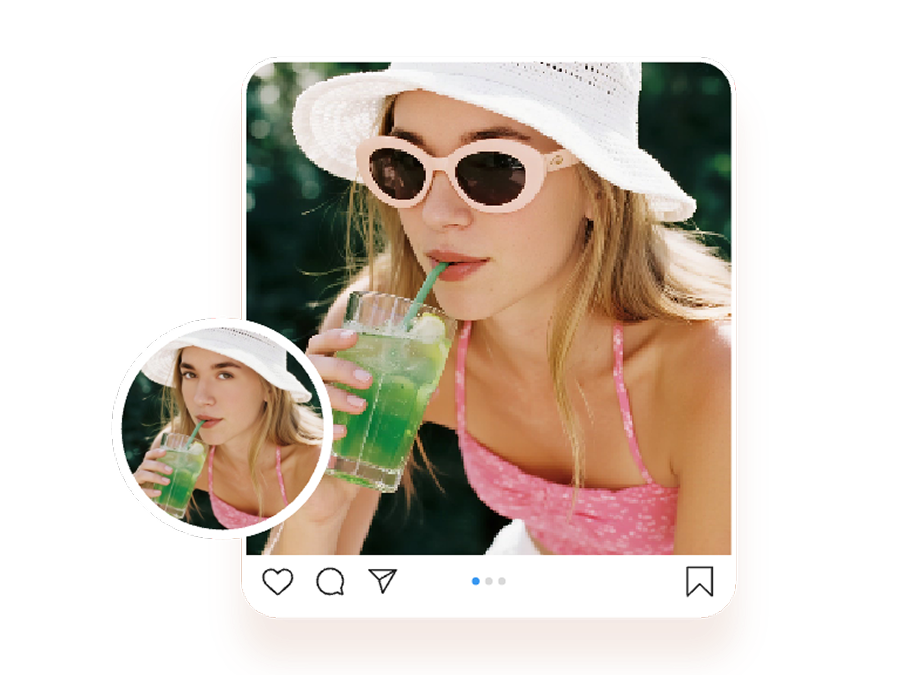
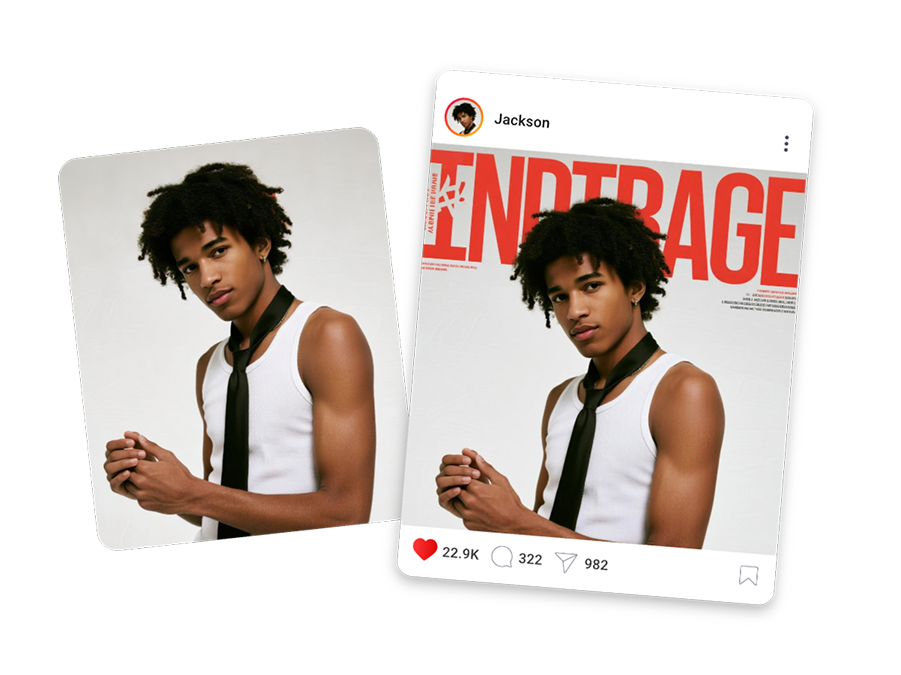
Create engaging marketing materials optimized for social platforms.
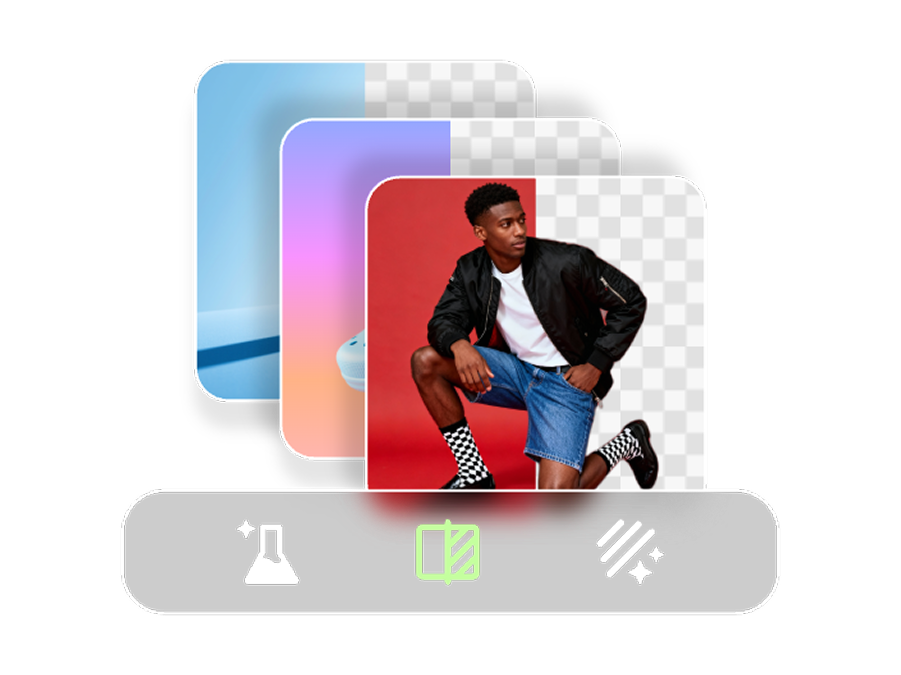
Generate images at scale across multiple SKUs, sizes, and formats.
Maintain visual consistency across templates, colors, and layouts.
Generate impactful key visuals (KVs) for banners, landing pages, and posters.
If you want to learn about integration methods, API credentials, supported scenarios, and usage limitations, you can start here.
View Source RepositoryInstantly install and configure the skill, then explore sample tasks, workflow integrations, and developer settings at your own pace.